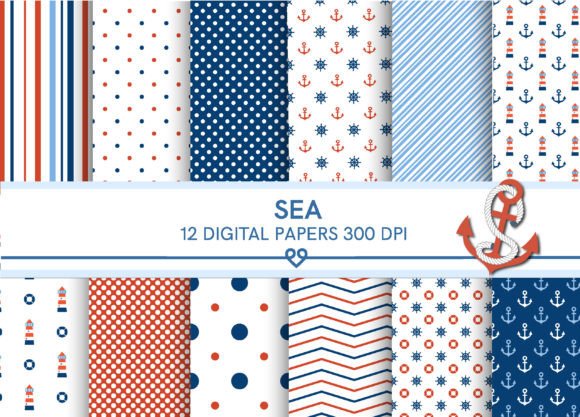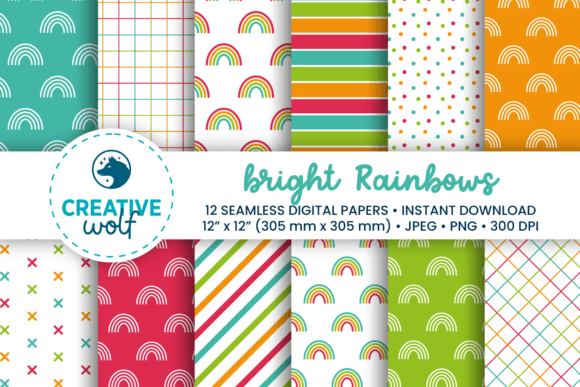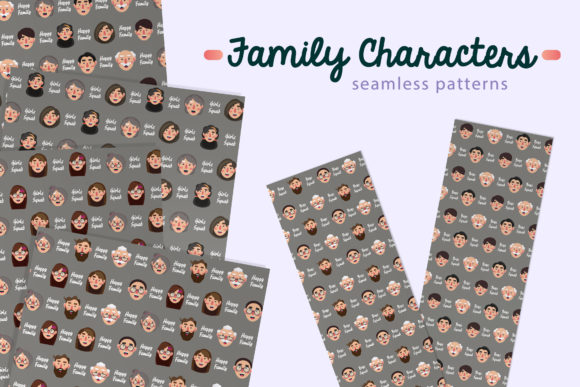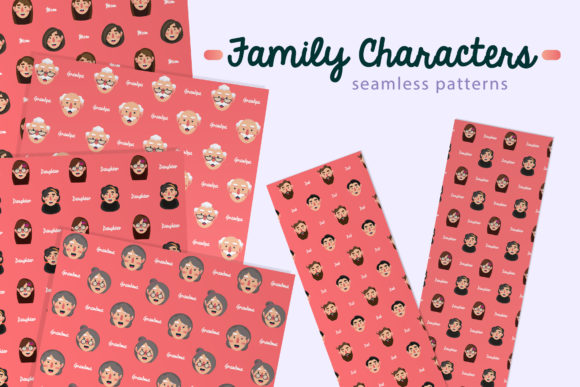
Digital Background Seamless Patterns Set
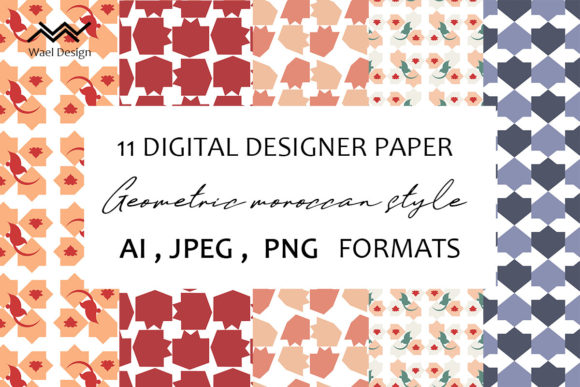
A Digital Background Seamless Patterns Set is a curated collection of 11 professionally designed, repeatable surface patterns—each engineered to tile infinitely without visible seams. Unlike single-use graphics or static textures, these patterns are built for scalability and adaptability across physical and digital applications. What sets this set apart isn’t just quantity or resolution—it’s the intentional combination of format versatility, editing flexibility, and production-ready fidelity.
What Makes This Set Distinct in Practice
The Digital Background Seamless Patterns Set delivers three key technical advantages: full vector editability, high-resolution raster assets, and consistent seamless construction. All 11 patterns are supplied in Adobe Illustrator (.AI) format—meaning every shape, stroke, and color stop remains fully editable. You can isolate elements, adjust spacing, shift hues using global swatches, or scale up to billboard size without pixelation. That level of control isn’t possible with raster-only pattern packs, even at high resolution.
Complementing the vectors are 11 JPEG and 11 PNG files—each 3600 × 3600 pixels. These are ideal for immediate use in tools like Canva, Photoshop, Figma, or web builders where vector support is limited or unnecessary. The PNGs include transparent backgrounds, useful for layering over photos or applying to product mockups. The JPEGs offer broad compatibility and smaller file sizes when transparency isn’t needed.
This dual-format approach bridges a common gap: many designers need both editable source files for customization *and* ready-to-drop raster files for speed. A pattern set offering only vectors may slow down someone building social media templates in Canva; one offering only JPEGs limits branding consistency when color palettes shift mid-project. The Digital Background Seamless Patterns Set avoids that tradeoff by including both.
How It Compares Across Common Use Cases
When evaluating pattern resources, context matters more than specs alone. Here’s how the Digital Background Seamless Patterns Set aligns—or diverges—with typical needs:
- Packaging & branding: Vector scalability ensures crisp reproduction on everything from business cards to shipping boxes. Recoloring a pattern to match brand guidelines takes seconds—not hours—because all colors are defined as swatches, not flattened pixels.
- Home textiles & wallpaper: Seamless construction means no awkward breaks at seam lines during large-scale printing. At 3600 × 3600 px, the raster files support print resolutions up to ~300 DPI at ~12" × 12" repeats—sufficient for most fabric and wallpaper vendors. For larger repeats or custom scaling, the AI files let you adjust tile dimensions precisely.
- Apparel & surface design: Because each pattern is built as a true seamless tile (not a cropped section), it adapts naturally to curved surfaces like tote bags or ceramic mugs in mockup software. You’re not stretching or warping a fixed image—you’re repeating a mathematically aligned unit.
- Stationery & wrapping paper: The PNGs work directly in desktop publishing tools (e.g., Affinity Publisher, InDesign) with transparency preserved. No need to manually remove backgrounds or reposition layers—just place and scale.
- Web backgrounds & UI elements: While SVG would be ideal for responsive web use, the high-res PNGs serve well as fixed-width hero backgrounds or subtle overlays. For developers needing SVG, the AI files can be exported cleanly—no auto-tracing or cleanup required.
Tradeoffs to Consider Before Choosing
No resource fits every scenario—and understanding limitations helps avoid misalignment. The Digital Background Seamless Patterns Set excels in flexibility and production readiness, but it’s not optimized for every workflow:
- It doesn’t include SVG or EPS formats. If your team relies heavily on SVG for web performance or legacy print workflows, you’ll need to export from Illustrator—a minor step, but one that adds friction for non-Adobe users.
- Patterns are pre-designed—not algorithmically generated. You won’t find infinite variation or AI-driven style shifts. What you gain in cohesion and polish, you trade for real-time generative control. That’s appropriate for brand-consistent projects, less so for experimental prototyping.
- No licensing guidance is embedded in the files. While standard commercial licenses typically apply, usage rights depend on the seller’s terms. Always verify permissions for specific contexts—especially for resale items like printed stationery or licensed apparel.
- It’s a fixed set of 11 patterns—not a subscription or library. If your work demands constant stylistic variety (e.g., seasonal campaigns or diverse client industries), you may need to supplement with additional packs over time.
When This Set Is Likely the Right Fit
The Digital Background Seamless Patterns Set tends to be most valuable when your priorities include:
- Brand continuity across multiple touchpoints. Need the same geometric motif on packaging, website headers, and fabric swatches? Being able to recolor once in Illustrator and export consistently across formats saves significant revision time.
- Mid-to-high volume production. If you regularly produce printed materials—even at small batches—the vector foundation prevents quality loss when scaling from labels to banners.
- Collaboration across skill levels. Designers can tweak vectors in Illustrator, marketers can drop PNGs into Canva, and developers can extract SVGs—all from the same source. That reduces handoff errors and version mismatches.
- Tight deadlines with minimal asset prep. Having 3600 × 3600 px JPEGs and PNGs means no upscaling, resampling, or background removal before use. That’s tangible time saved on routine tasks.
When Another Option Might Serve Better
This set isn’t the best choice if:
- You primarily work in non-Adobe ecosystems (e.g., CorelDRAW, Affinity Designer) and lack access to Illustrator—even for occasional exports. While AI files can sometimes be opened elsewhere, full editability isn’t guaranteed.
- Your projects rely on dynamic parameters—like changing scale or density based on viewport size or user input. In those cases, CSS-based patterns or SVG filters may offer more runtime control.
- You need photorealistic textures (e.g., marble veins, wood grain) rather than graphic, repeatable motifs. Seamless photographic tiles require different capture and tiling methods—and often come in specialized bundles.
- You’re building a long-term design system requiring hundreds of coordinated patterns. A single 11-pattern set provides strong starting variety, but growing libraries benefit from standardized naming, metadata, or integrated browser tools.
Practical Integration Tips
To maximize utility, consider how you’ll integrate the Digital Background Seamless Patterns Set into existing workflows:
- In Photoshop, use the PNGs as layer fills or smart object patterns—then apply adjustment layers non-destructively.
- In Canva, upload PNGs as custom uploads, then use “Position” > “Tile” for seamless repetition (works reliably with square, high-res files).
- In Illustrator, drag AI files into your document, then use “Object” > “Pattern” > “Make” to convert into a swatch—enabling instant recoloring via the Color Guide panel.
- For print vendors, confirm whether they prefer CMYK vectors (export AI as PDF/X-4) or RGB raster (supply JPEGs with embedded profiles).
Ultimately, the value of the Digital Background Seamless Patterns Set lies not in novelty—but in reliability. It offers predictable output, format redundancy, and thoughtful construction. That makes it especially useful when consistency, efficiency, and cross-platform compatibility matter more than endless stylistic options.